

Interfaces people understand
We research how your users work, then design web and mobile interfaces in Arabic and English that are tested with real people before a line of code is written.
UX/UI Design Services
UX/UI design decides whether people can do what they came to do: find a property, enrol a child, complete a checkout, book a ride. UX covers the structure, flows and decisions behind each screen; UI covers the visual language, components and states that make the product clear and consistent. We design both, and we design them as the people who will also build the product, so every screen we hand over is realistic to implement in Laravel, Nuxt, Inertia.js or Flutter.
Our work starts with research rather than mood boards. We interview users and staff, review analytics and support tickets, audit competing products in your market, and map the journeys that matter most. From there we sketch information architecture and low-fidelity flows, agree on them with you, and only then move to visual design. Clickable prototypes in Figma are tested with five to eight participants per round, and we revise based on what we observe, not on opinion.
Most of our clients serve Arabic and English users, so we design right-to-left first instead of mirroring an English layout at the end. Our Figma design systems include RTL and LTR variants, Arabic typography that holds up at small sizes, bidirectional icons, and components for numbers, dates and mixed-language content. We design to WCAG 2.2 AA contrast, focus and target-size guidelines, document every component with its states, and hand developers tokens and specs they can use directly.
What you get
Problems in sign-up, checkout and booking flows are found in testing, before they cost you real customers.
Arabic users get layouts, typography and wording designed for them, not a mirrored copy of the English site.
Decisions are settled in Figma, where changes are cheap, and developers build from a documented component system.
New features follow the same design system, so the product keeps a coherent look as your team and roadmap grow.
Everything included in UX/UI Design
User research
Interviews, surveys, analytics review and competitor audits that turn assumptions into documented user needs and priorities.
Information architecture and flows
Sitemaps, navigation models and task flows for the journeys that drive your business, agreed before visual design starts.
Web and mobile UI design
High-fidelity screens for websites, dashboards and iOS and Android apps, including empty, loading, error and edge-case states.
RTL-first design systems
A Figma component library with tokens, Arabic and Latin typography, RTL and LTR variants and usage guidelines your team can extend.
Interactive prototypes
Clickable Figma prototypes for stakeholder reviews, investor demos and user testing before development begins.
Usability testing
Moderated sessions with representative users in Arabic or English, with a findings report ranked by severity and clear recommendations.
UX and accessibility audit
A structured review of an existing product against usability heuristics and WCAG 2.2, with a prioritised list of fixes.
Brand and visual assets
Logo refinement, illustration and marketing visuals in Photoshop and Illustrator that stay consistent with the product interface.
How we run it
- 01
Discovery and research
Stakeholder workshops, user interviews, analytics and competitor review to define goals, audiences and the key journeys.
- 02
Structure and wireframes
Information architecture, user flows and low-fidelity wireframes, reviewed with you screen by screen.
- 03
Visual design and design system
The visual direction is set on key screens, then extended across the product with a component library in Arabic and English.
- 04
Prototype and usability testing
A clickable prototype is tested with real users; we fix the issues found and retest the critical flows.
- 05
Developer handoff
Annotated Figma files, design tokens, interaction notes and assets, with walkthroughs for the engineering team.
- 06
Design QA
We review the built product against the designs on real devices in both languages and log every discrepancy.
Technologies we use
Design and prototyping
Visual and brand
Research and testing
Standards
Implementation targets
Pick the way of working that fits
Design sprint
A short, focused engagement to research, prototype and test a single product idea or critical flow.
Start your projectFull product design
End-to-end UX and UI for a new product or a redesign, from research to developer handoff, at a fixed scope and price.
Start your projectEmbedded design team
Dedicated designers working inside your product team on a monthly basis, covering new features, testing and design-system upkeep.
Start your projectIndustries we serve
Related projects
All projects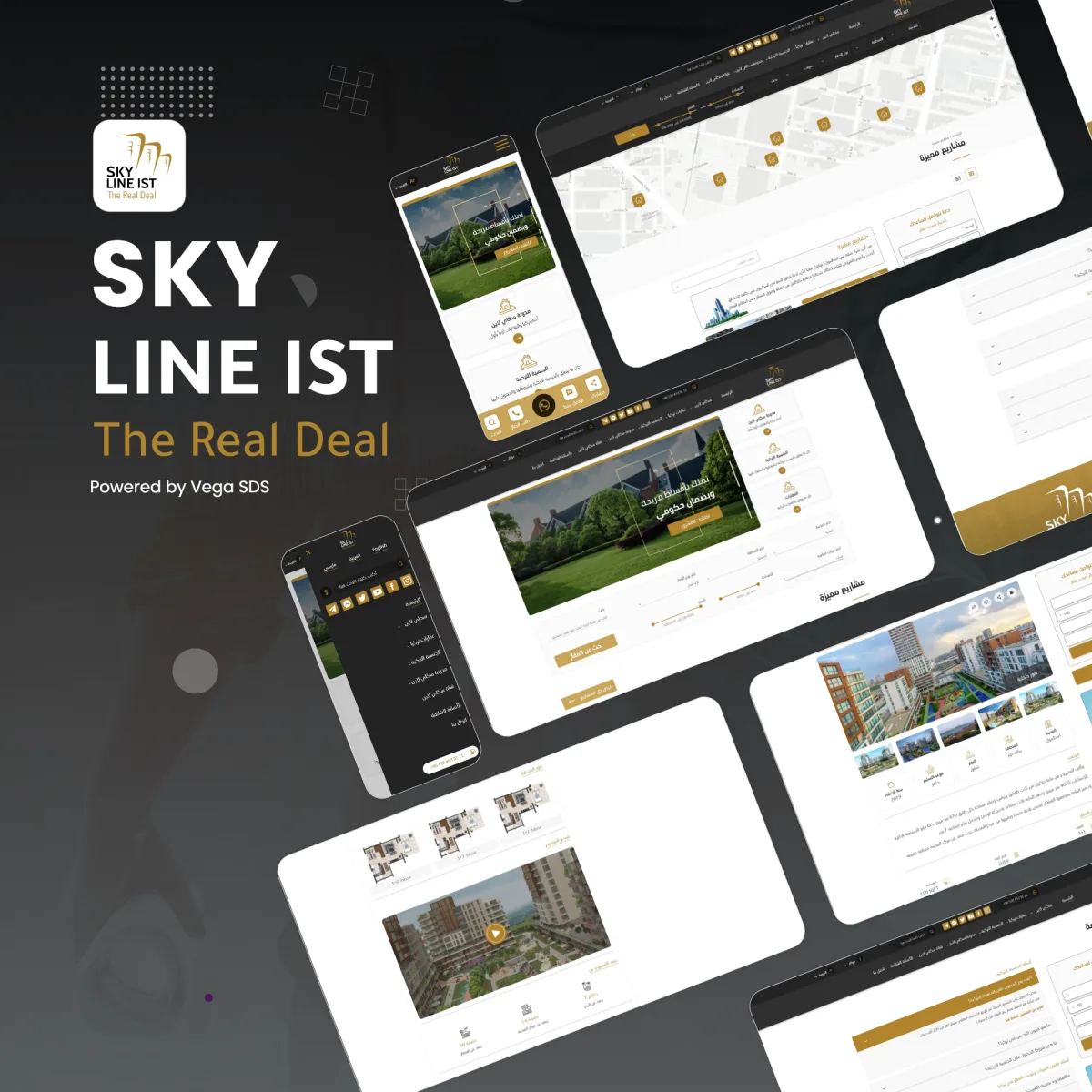
Skylineist Istanbul property site
An Istanbul property site for international buyers, organised by district with guidance on buying as a foreigner.
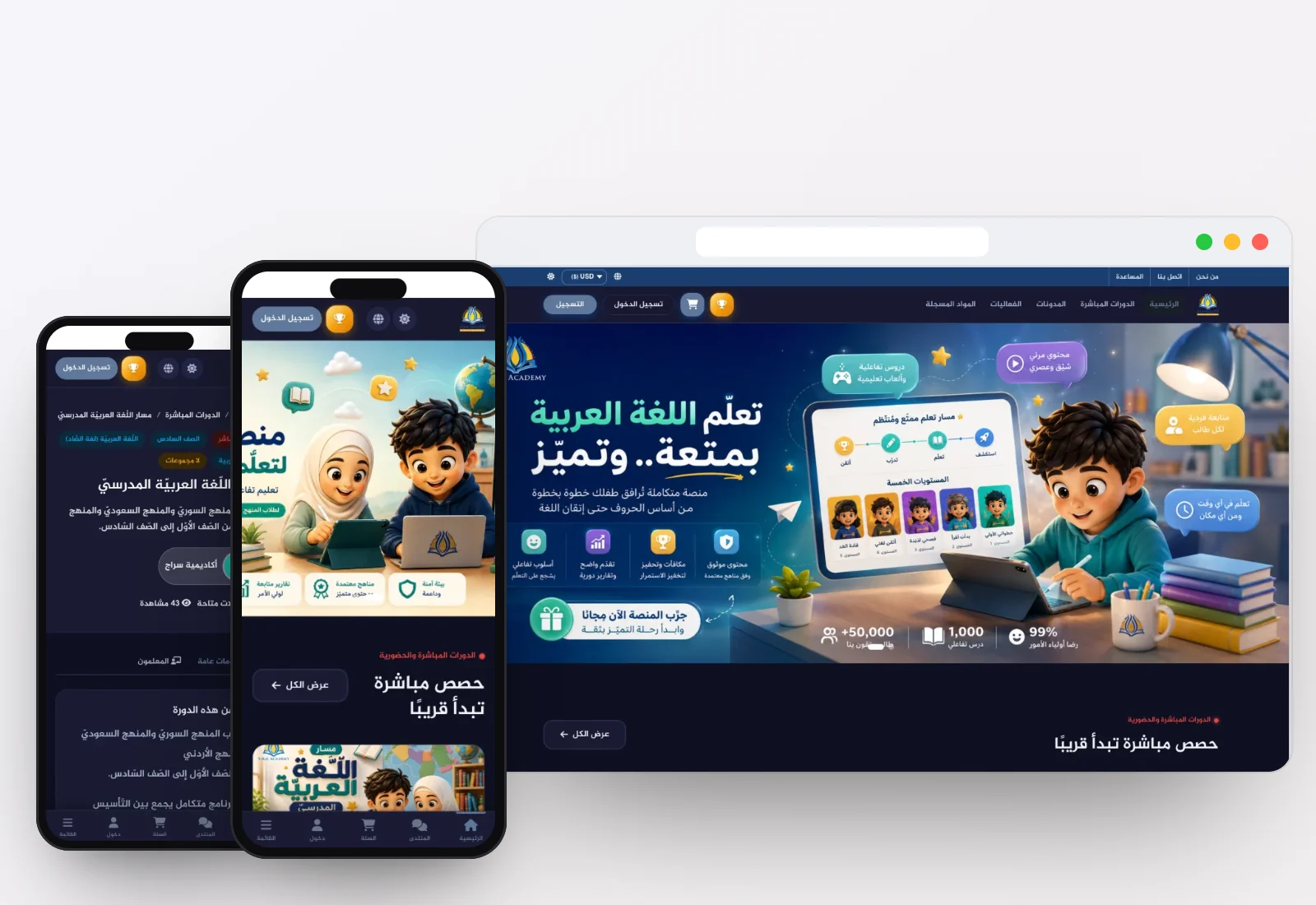

Siraj Academy learning platform
An online academy with recorded courses, live classes, quizzes and certificates for Arabic-speaking learners.
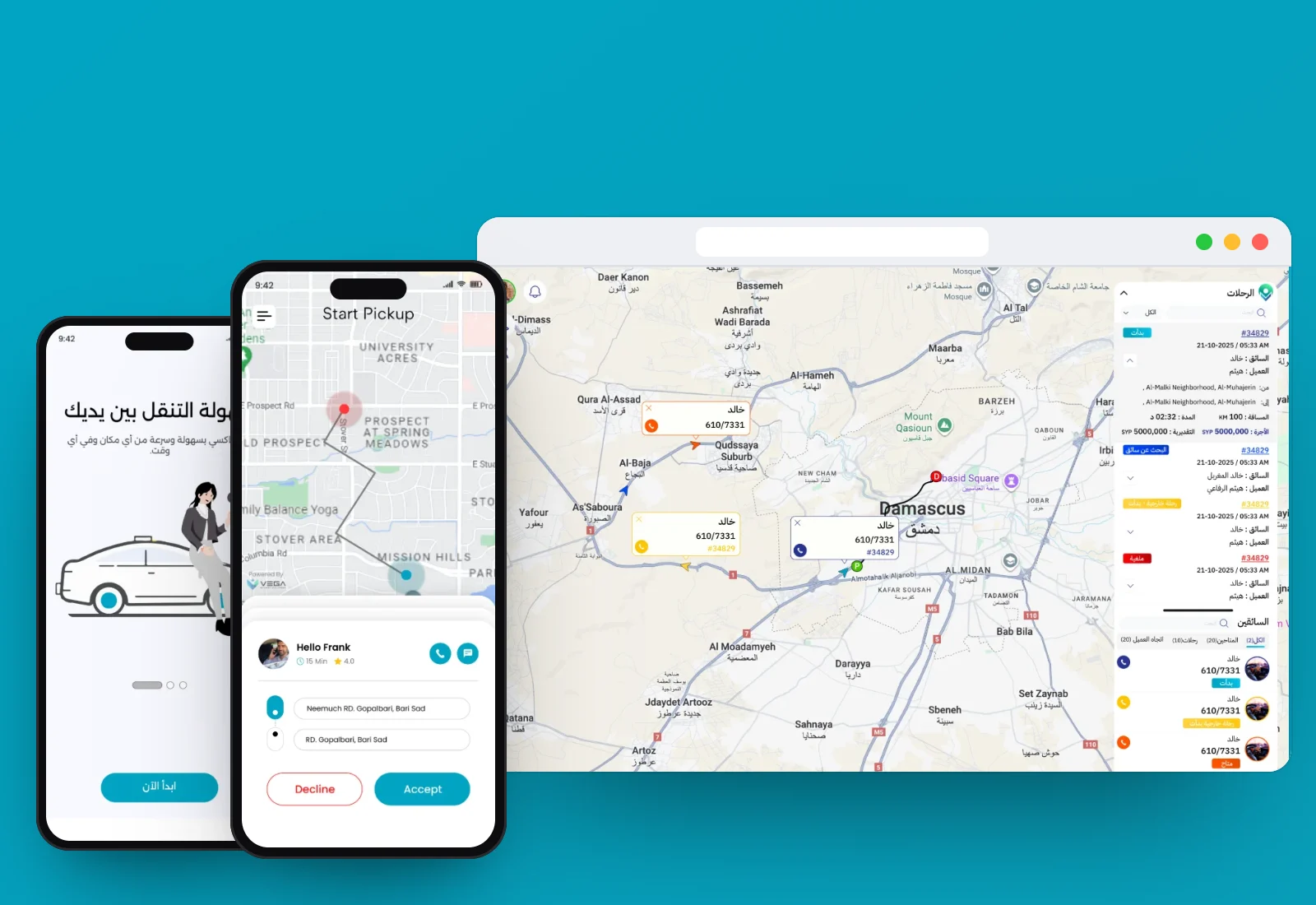
Electro Taxi ride-hailing platform
A ride-hailing service for electric vehicles with rider and driver apps, dispatch and an operations dashboard.
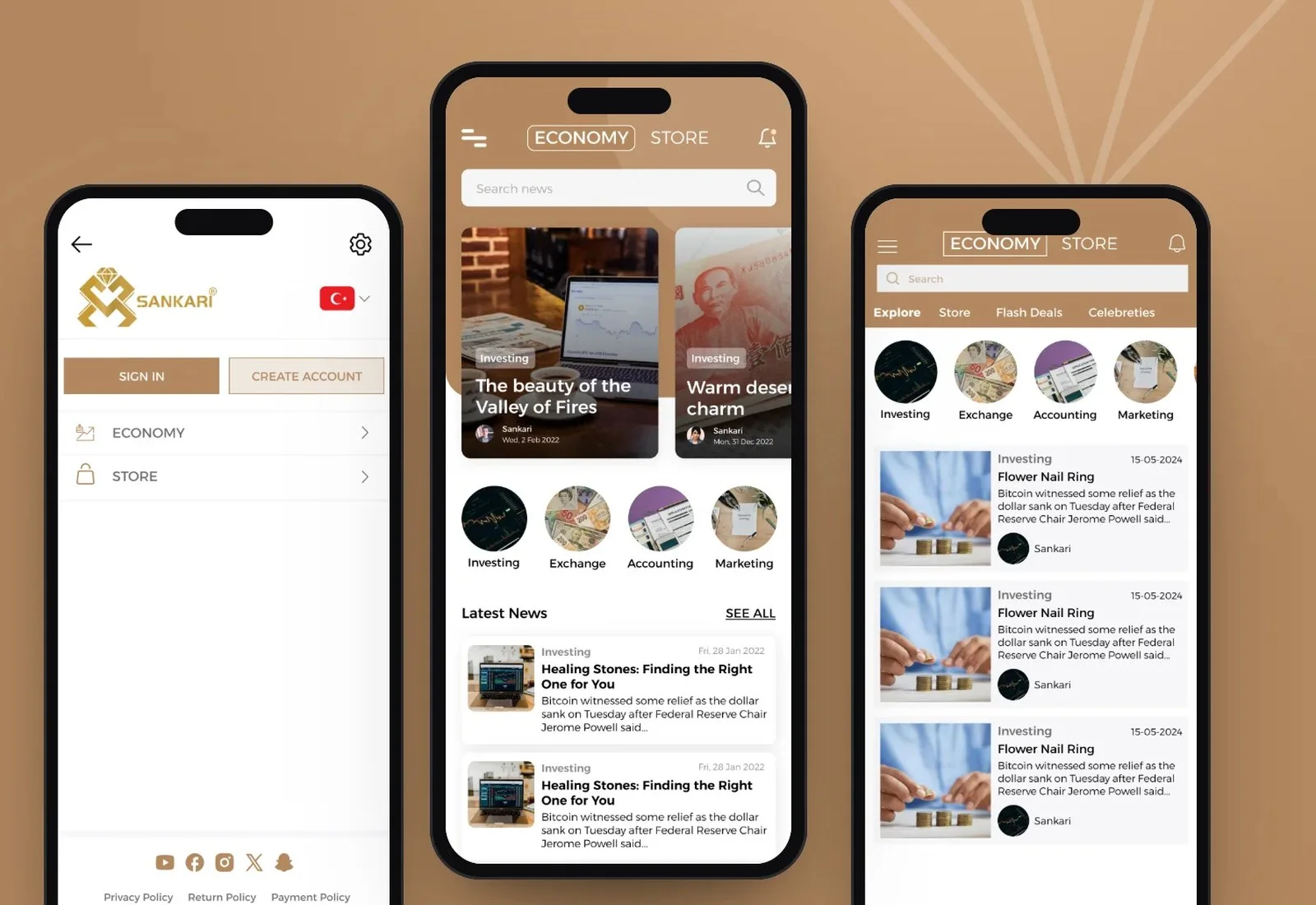

Sankari Gold jewellery store
A gold and jewellery store where prices follow the live gold rate, weight and workmanship.
Do you only design, or can you also build what you design?
Both. Our designers work alongside our Laravel, Node.js, Nuxt, Next.js, Inertia.js and Flutter engineers, so we can take a product from research to launch. We also hand over complete Figma files and specs if your own team or another vendor will build it.
How is designing for Arabic different from translating an English design?
Arabic text runs longer or shorter than English, needs typefaces with proper letter joining and line height, and reverses the direction of navigation, progress and many icons. Numbers, phone fields and mixed-language strings need their own rules. We design Arabic screens first and check every component in both directions.
How long does a UX/UI project take?
It depends on the product: a website or small app is quicker than a multi-role platform such as a marketplace with customer, seller and admin portals. After discovery we share a detailed weekly plan. We agree the timeline with you in writing after a short discovery, with clear milestones, so you know what is delivered and when before work starts.
Who are the participants in usability testing?
People who match your real users: customers, parents, drivers, agents or staff, recruited with your help or through our network in the Gulf, Türkiye, Syria, Europe and the USA. Sessions run remotely or in person in Arabic, English or Turkish, and you are welcome to observe.
Can you redesign our existing product without starting over?
Yes. We begin with a UX and accessibility audit, fix the highest-impact flows first, and introduce a design system gradually so your team can keep shipping. A full visual refresh can follow once the structure is sound.
Who owns the design files when the project ends?
You do. Figma files, component libraries, design tokens and exported assets are transferred to your organisation's account, together with the research findings and test recordings, subject to participant consent.
Other services
Ready to build something great?
Tell us what you need. A written proposal with scope, phases and timeline reaches you within two working days.