Vega Education

One platform for every learner

A multilingual learning platform that runs recorded courses, live classes and interactive materials, with dedicated portals for students, teachers, parents, schools and learning centres.

Student PortalTeacher PortalParent PortalSchool Portal and AdministrationMobile Apps
4Dedicated portals
3Learning models
11Interactive question types
67Screens built

Vega Education Platform

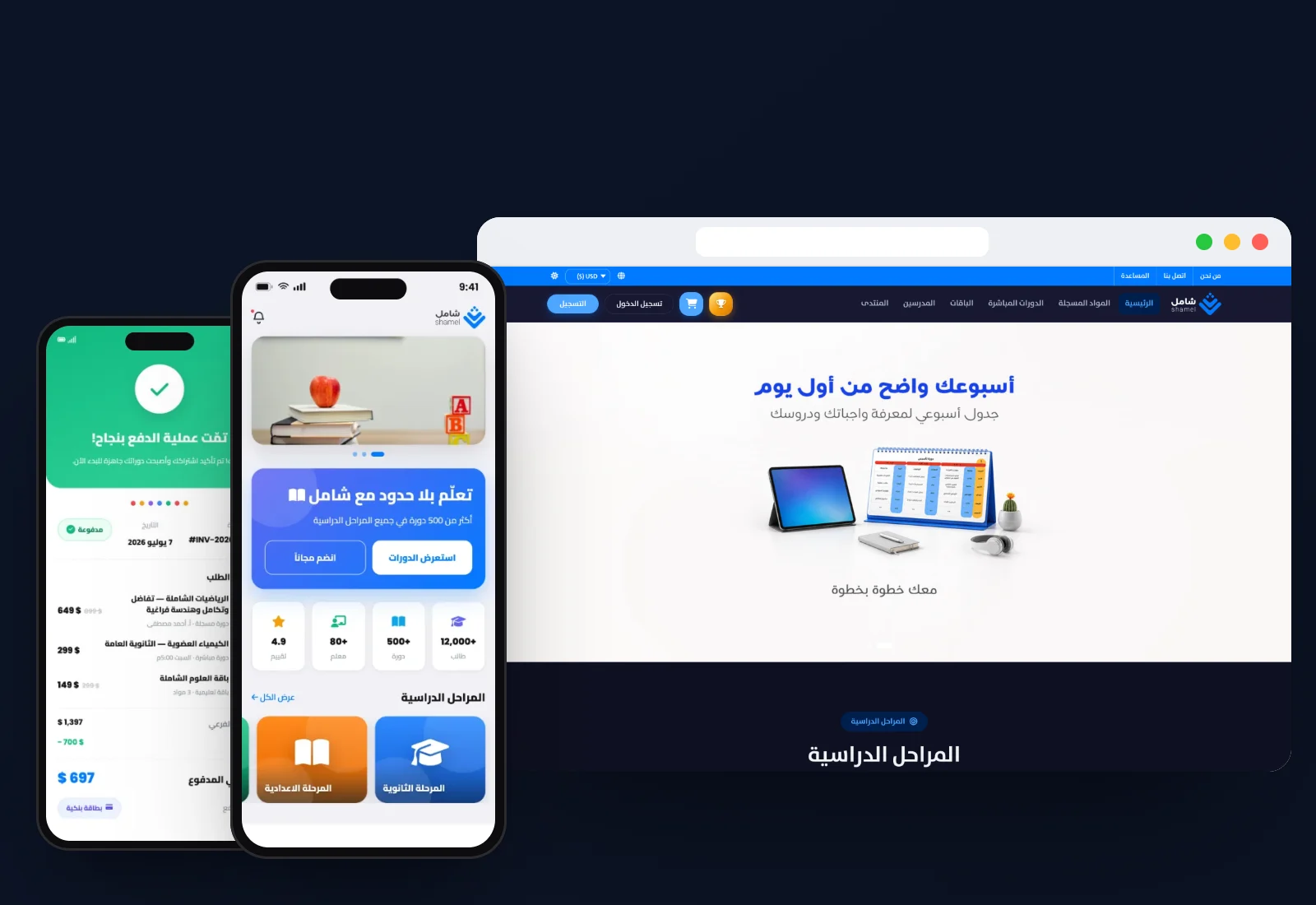
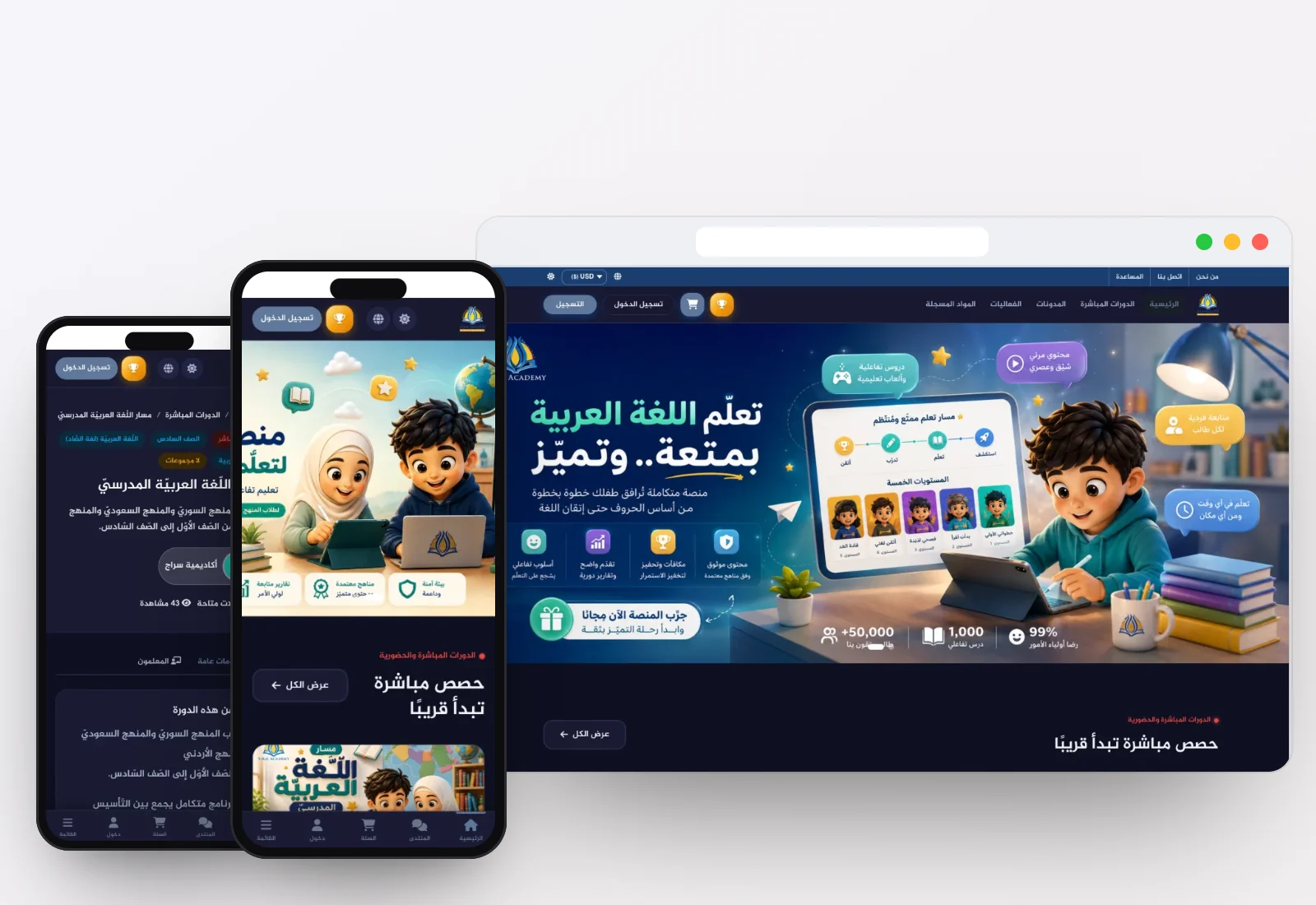
Vega Education is a cloud-based learning platform built in Arabic from the ground up. It brings the three ways people actually learn today into one product: recorded self-paced courses, interactive live classes, and interactive learning materials organised into units, skills and quizzes. Students, teachers, parents and schools each get their own portal, all working from the same connected data.

Teachers build courses, exams and homework with built-in production tools, run live classes in a WebRTC classroom that needs no external software, and track their earnings. Parents follow every child in a read-only view that never lets anyone act on the student's behalf. Schools import students, teachers and parents from Excel, distribute passwords and manage institutional billing, and the administration side extends to academic records, reception, HR and payroll, fees, transport, library and inventory.

The platform sells the way education businesses actually sell: single courses, packages, bundles that link live and recorded courses, instalments, coupons and institutional subscriptions. It runs in Arabic and English with instant switching, ships with student, parent and teacher apps for iOS and Android, sends automatic WhatsApp messages through Meta's official business platform, and can add AI tools that help teachers prepare questions and give students a study assistant. Education institutions in seven countries already rely on it: Syria, Qatar, Canada, Kuwait, Türkiye, the UAE and the United States.

Built for

Private and international schoolsLearning and tutoring centresOnline academiesIndependent teachersTraining institutesEducation groups with several branches


Everything you need, in one platform

Each part serves one kind of user, and all of them share the same data in real time.

Student Portal

A learning dashboard with 13 sections that puts courses, homework, exams, invoices and the calendar in one place.

  • Weekly progress overview and what is next on the schedule
  • Recorded courses with completion rates and a resume button
  • Live courses with groups, weekly schedule and one-click class entry
  • Interactive materials with progress by unit and skill
  • Homework uploads, grades and teacher feedback
  • Exam results with score, ranking and detailed answer review
  • Teacher files: shared notes and handouts
  • Invoices and instalments with payment history and export
  • Calendar and notifications with a live counter
  • My events, parent linking by phone number (accept or cancel requests), and profile settings with a password-strength meter

Teacher Portal

Ten sections plus content-production tools, from building a course to tracking earnings.

  • Today's tasks and homework awaiting grading
  • Course builder: sections, lessons, video, plus an exam and homework per lesson
  • Recorded course management: published, drafts and lesson content
  • Live courses: groups, schedules, start class and average attendance
  • Student list filtered by grade or group with individual progress
  • Attendance log with automatic parent notification
  • Homework tracking and graded-file uploads
  • Exam builder and grade-distribution analysis
  • Interactive materials: supporting resources and student progress
  • Revenue analytics, balance and withdrawal requests
  • Q&A with unanswered questions first, and per-course pricing, coupons, refund guarantee and sales-scope settings

Parent Portal

Built for monitoring, not interfering: parents see everything their children do without being able to act for them.

  • Child tabs to switch between children in every section
  • View-only mode: no buttons to complete lessons, join classes, submit or pay
  • Recorded and live courses, homework, grades and exam results
  • Teacher notes categorised as positive, needs improvement or general
  • Teacher files, invoices and the academic calendar
  • Real-time WhatsApp updates on each child's progress
  • Link a student account and manage the parent profile

School Portal and Administration

An institutional portal with eight sections for schools and learning centres, extended with full school administration: academics, reception, staff, finance, transport, library and inventory.

  • School statistics, weekly student activity and quick actions
  • Bulk import of students, teachers and parents from Excel, with password distribution
  • Parent-to-child linking and teacher-to-course assignment
  • Shared recorded courses and interactive subscriptions with per-student progress
  • Institutional invoices and payment history
  • School settings: school details, contact information and account manager
  • Academic setup: sessions, classes, subjects, timetables, lesson plans and certificates
  • Reception: enquiries, visitor log, call log, postal records, complaints and gate passes
  • HR: staff records, ID cards, attendance, leave and payroll
  • Finance: fee heads, transport fees, income, expenses, accounts and summary reports
  • Transport, library and inventory management, plus SMS, email and meeting tools

Mobile Apps

Apps for students and parents and for teachers, synced with the platform and available on iOS and Android.

  • Student and parent app: recorded courses and live classes
  • Homework, exams and results on the go
  • Parents follow their children's progress
  • Notifications and the academic calendar
  • Teacher app: manage courses and groups
  • Take attendance and start live classes
  • Grade homework, answer questions and track revenue

Every feature, in detail

Searchable catalogue

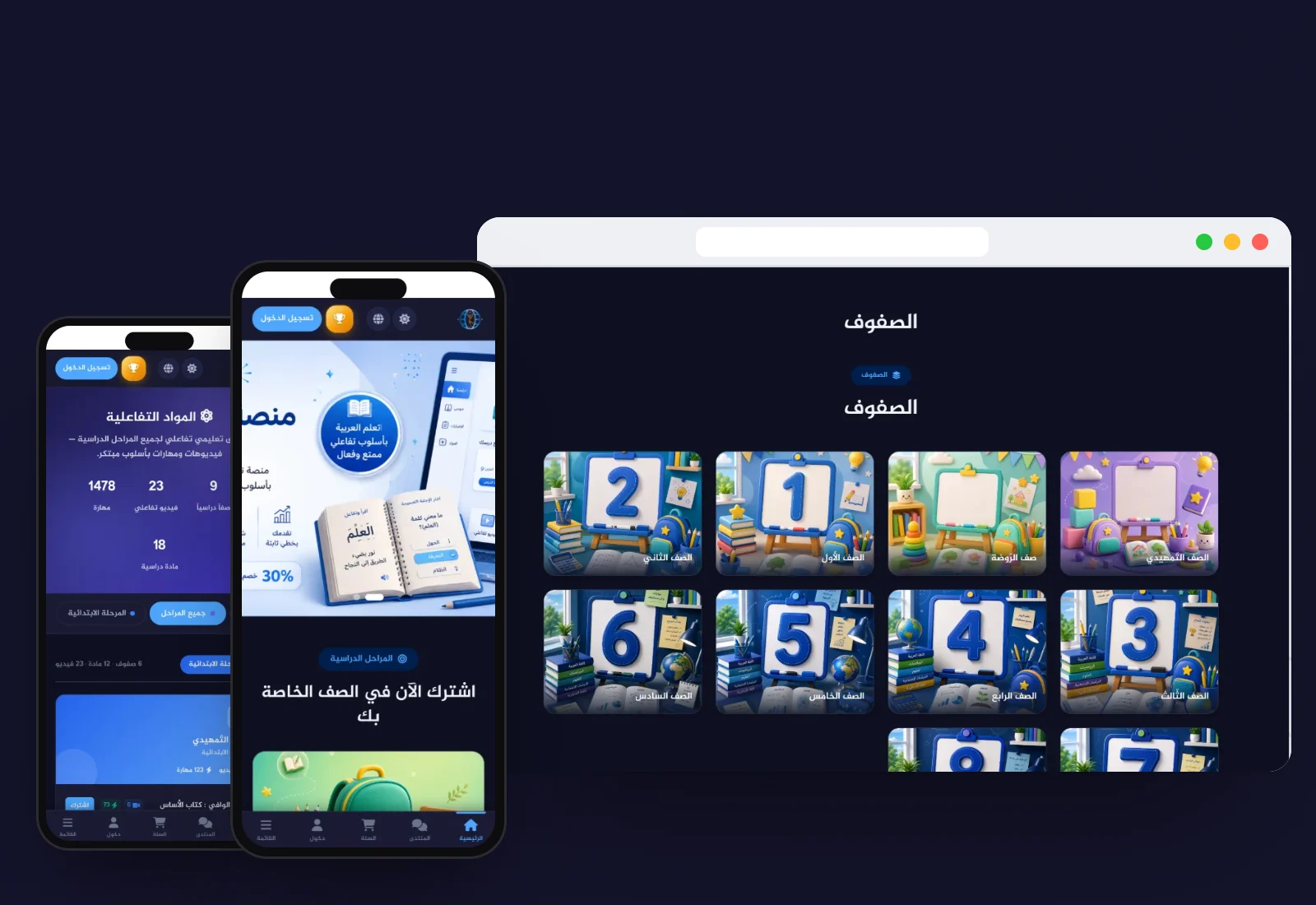
Full-text search, filters by stage, grade, subject, price and rating, and sorting by top-rated or best-selling.

Quick selection

A stage bar and subject circles let students jump straight to the right courses.

Course page that sells

Price, discount and countdown, a two-level curriculum accordion, free preview lessons, a sticky purchase card and the linked package banner.

Course player

Video with completion percentage, a side curriculum with progress markers, and five tabs: content, files, lesson exam, Q&A and personal notes.

Automatic completion and certificates

Lessons are marked complete automatically and a completion certificate is issued when the course is finished.

Why Vega Education?

Four portals, one product

Students, teachers, parents and schools each get an experience designed for their role, on shared data.

More than a video platform

Recorded, live and interactive learning work together instead of living in separate tools.

A classroom with no external tools

Whiteboard, screen sharing, attendance and polls run inside the platform on WebRTC.

Transparency for parents

Parents follow every detail in a view-only mode that prevents acting on the student's behalf.

Ready for institutions

Bulk import, password distribution, institutional billing and full school administration.

Fast and light

Pages load quickly and hosting costs stay low.

Connects to the tools you already use

  • WhatsApp Business Platform (Meta)
  • WebRTC
  • Microsoft Excel import
  • Card payments
  • Bank transfer
  • SMS
  • Email
  • App Store
  • Google Play

Frequently asked questions

Can't find your answer? Talk to us and a specialist will reply.

Contact
Is Vega Education an LMS or a school management system?

Both. The learning side delivers recorded courses, live classes, interactive materials, exams and homework. The school side handles student, teacher and parent records, bulk imports, billing and day-to-day administration such as timetables, reception, HR and payroll, fees, transport, library and inventory. You can start with the modules you need and enable the rest later.

Do we need Zoom or another tool for live classes?

No. The live classroom is built into the platform on WebRTC. Teachers broadcast camera, microphone and screen, use an interactive whiteboard, run polls and chat, and manage who can speak. When the class ends, absences are logged automatically.

What can parents see and do?

Parents see each child's courses, live classes, homework, grades, exam results, teacher notes, files, invoices and calendar, and switch between children with tabs. The portal is view-only, so a parent cannot complete lessons, submit homework or join classes for the student. Updates can also arrive on WhatsApp.

How do teachers and institutions get paid?

Students pay by card or bank transfer for single courses, packages, bundles or instalment plans, and institutions can buy subscriptions. Coupons, refund guarantees and sales scope are set per course. Teachers see their net earnings after the platform commission, their withdrawable balance and monthly reports, and request withdrawals from their portal.

Can we move our existing students and teachers onto the platform?

Yes. The school portal imports students and teachers in bulk from Excel files, links parents to their children, assigns teachers to courses and sends login passwords. Our team can help prepare the files and check the import before launch.

Can the platform carry our own brand and run on mobile?

Yes. The interface is built on a design-token system, so colours, typography and logo follow your identity, and each section can be enabled or hidden. The web platform is fully responsive, and there is a student and parent app plus a teacher app for iOS and Android. It works in Arabic and English with instant switching.

Does the platform use AI?

AI tools are available as options. They can draft quiz and exam questions from lesson material, suggest scores and feedback for written answers, summarise lessons for revision, and power an Arabic and English study assistant for students. Teachers stay in control: generated questions and suggested grades are reviewed before anything reaches students.

See Vega Education in action

Book a live demo on real data and get a clear launch plan.