
ERP Systems for Gulf Companies: A Practical Guide
What an ERP system does, when your company needs one, how ready-made systems compare with custom builds, and how to get through implementation and data migration without stalling the business.
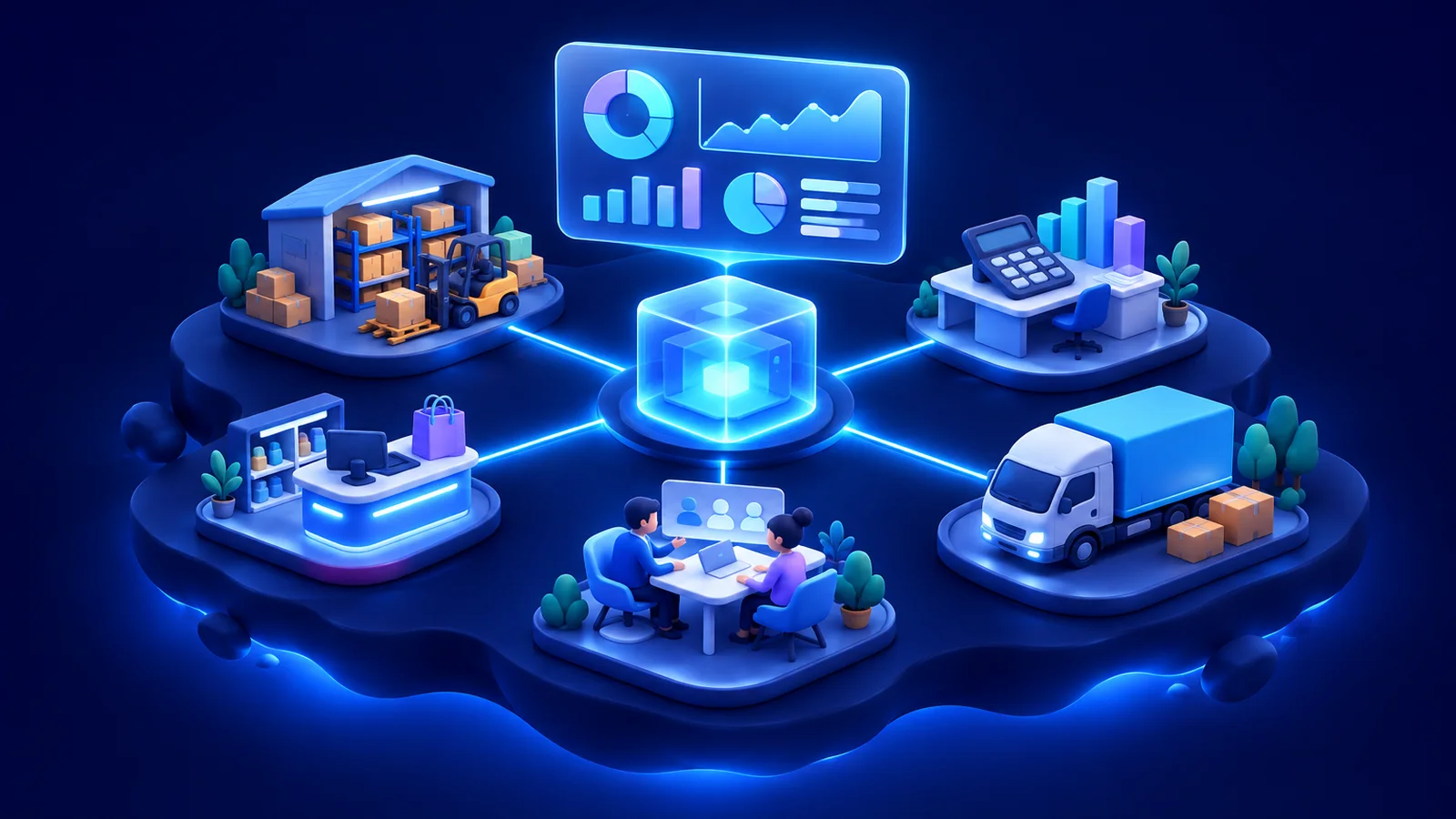
An ERP system (enterprise resource planning) is software that brings a company's core operations into one shared database: accounting, inventory, purchasing, sales, HR and reporting. Instead of each department keeping its own spreadsheets, everyone works on the same live data. For companies in Saudi Arabia and the UAE, a suitable ERP must also work properly in Arabic and support local e-invoicing rules.
This guide explains when an ERP makes sense, which modules matter, how the main ready-made systems compare with a custom build, and how to implement one without disrupting the business.
What an ERP system actually does
The value of an ERP is not any single feature. It is that one action updates everything it affects. When a sales order is confirmed, stock is reserved, the warehouse sees a picking task, an invoice is prepared and the finance dashboard changes. Without an ERP, each of those steps is often a separate email, a separate file and a separate chance for error.
A good ERP also gives you control: roles and permissions so each person sees what they need, approval steps for purchases and discounts, and an audit trail of who changed what and when.
Signs your company needs an ERP
- Month-end closing takes days because figures have to be collected from several files.
- Nobody can say with confidence how much stock you have across all branches or warehouses.
- The same customer or product is entered in two or three different systems.
- Approvals happen over WhatsApp and email, with no record of who approved what.
- Managers wait for someone to compile reports by hand before they can decide.
- Growth into a new branch or country means copying spreadsheets and hoping they stay in sync.
If several of these sound familiar, the cost of not having an ERP is already being paid, just in staff time and mistakes rather than in software.
Common ERP modules
Most ERP systems are modular, so you can start with what you need and add more later. The modules below are the most common, but this is not a complete list; many systems also cover manufacturing, projects, maintenance, fleet, point of sale and sector-specific needs.
- Accounting and finance: general ledger, receivables, payables, VAT and financial reports.
- Inventory and warehouses: stock levels, transfers, batches, serial numbers and stock counts.
- Purchasing: requests, approvals, purchase orders and supplier management.
- Sales and CRM: quotations, orders, invoicing, customer history and sales pipelines.
- HR and payroll: employee records, leave, attendance and payroll inputs.
- Reporting and dashboards: live figures by branch, product, team or period.
Ready-made ERP or a custom system?
There are two broad routes. Each suits different companies, and some companies combine them.
Ready-made ERP systems
Odoo is a modular system with an open-source core and a paid enterprise edition; it is popular with small and mid-sized companies because modules can be added one at a time and it has a large partner community. SAP Business One is SAP's product for small and mid-sized businesses, with established accounting, inventory and distribution functions and a partner network that handles implementation. Microsoft Dynamics 365, including Business Central for mid-sized companies, fits naturally for organisations already using Microsoft 365 and Azure.
All three are mature products with Arabic support and regional implementation partners. Their strength is that standard processes are already built and tested. The trade-off is that your processes have to fit the system, or be customised through the vendor's tools, and licence and partner fees continue for as long as you use them.
Custom ERP development
A custom ERP is built around how your company works. It makes sense when your core process is unusual, when you need a back office tightly connected to your own website, apps or customer portal, or when you have tried a ready-made system and spent more effort working around it than using it. You own the code and choose what to build, but you also take on responsibility for design, testing and maintenance, so the partner you choose matters.
A practical middle path is common: a ready-made system for standard accounting, and custom software for the operational parts that make your business different, connected through APIs.
Arabic and e-invoicing considerations
In the Gulf, two requirements deserve special attention. The first is Arabic. Check that the interface, printed invoices, reports and search all work properly in Arabic and right-to-left layout, and that names and addresses can be stored in both Arabic and English.
The second is e-invoicing. Saudi Arabia requires electronic invoicing under ZATCA's FATOORA programme, rolled out in phases by business size, and the UAE has announced its own e-invoicing programme. Ask any ERP vendor or developer exactly how their system generates compliant invoices, connects to the authority's platform where required and keeps up with changes to the rules. Confirm the requirements that apply to your company with your tax adviser.
Implementation, data migration and common mistakes
Whichever route you choose, a successful ERP project usually follows the same stages. Depending on scope, implementation can take several weeks to a few months, and larger rollouts often run in phases.
- Map your processes: who does what, which approvals exist and which reports managers rely on.
- Define the scope in writing and decide which modules go live first.
- Configure or build the system, with regular demos to the people who will use it.
- Clean and migrate your data: customers, suppliers, products, opening balances and open orders.
- Test with real scenarios, such as a full order-to-invoice cycle and a month-end close.
- Train each team on its own tasks, not on the whole system.
- Go live, often running the old process in parallel for a short period, then review and improve.
Data migration deserves its own plan. Old data is rarely clean: duplicate customers, products with inconsistent names and balances that do not reconcile. Decide what to migrate and what to archive, assign an owner to each data set and run at least one trial migration before the real one.
Common ERP mistakes to avoid
- Choosing a system from a demo before writing down your own processes and requirements.
- Trying to launch every module at once instead of phasing the rollout.
- Customising a ready-made system so heavily that upgrades become difficult.
- Leaving data cleaning until the week before go-live.
- Treating the ERP as an IT project, without a business owner in each department.
- Skipping training and then blaming the system when staff return to spreadsheets.
Frequently asked questions
What is the best ERP system in Saudi Arabia or the UAE?
It depends on your size, sector and processes. Odoo, SAP Business One and Microsoft Dynamics are all widely used in the region. A custom ERP may suit you better if your operations are unusual. Start from your requirements, then compare systems against them.
Can an ERP connect to my online store or mobile app?
Yes. Most modern ERP systems offer APIs, and a custom ERP can be designed around those connections from the start, so orders, stock and customers stay in sync.
How long does ERP implementation take?
Typically from several weeks to a few months, depending on the number of modules, branches, integrations and the state of your existing data.
How Vega SDS can help
Vega SDS is a software company with offices in Istanbul, Türkiye and Sharjah, UAE, certified to ISO 9001 and ISO 27001. Its enterprise team builds custom ERP and back-office systems covering inventory, purchasing, orders, invoicing and reporting, along with workflow automation, staff portals and integrations with payment gateways, accounting software and messaging services. Its IT consulting service also helps companies compare ERP options and make a build-versus-buy decision. Work starts with process mapping and a written scope, interfaces are bilingual with correct right-to-left support, and the source code and documentation are handed over at the end. These are highlights; there is much more on the enterprise software service page.